Open project
LangSwitch
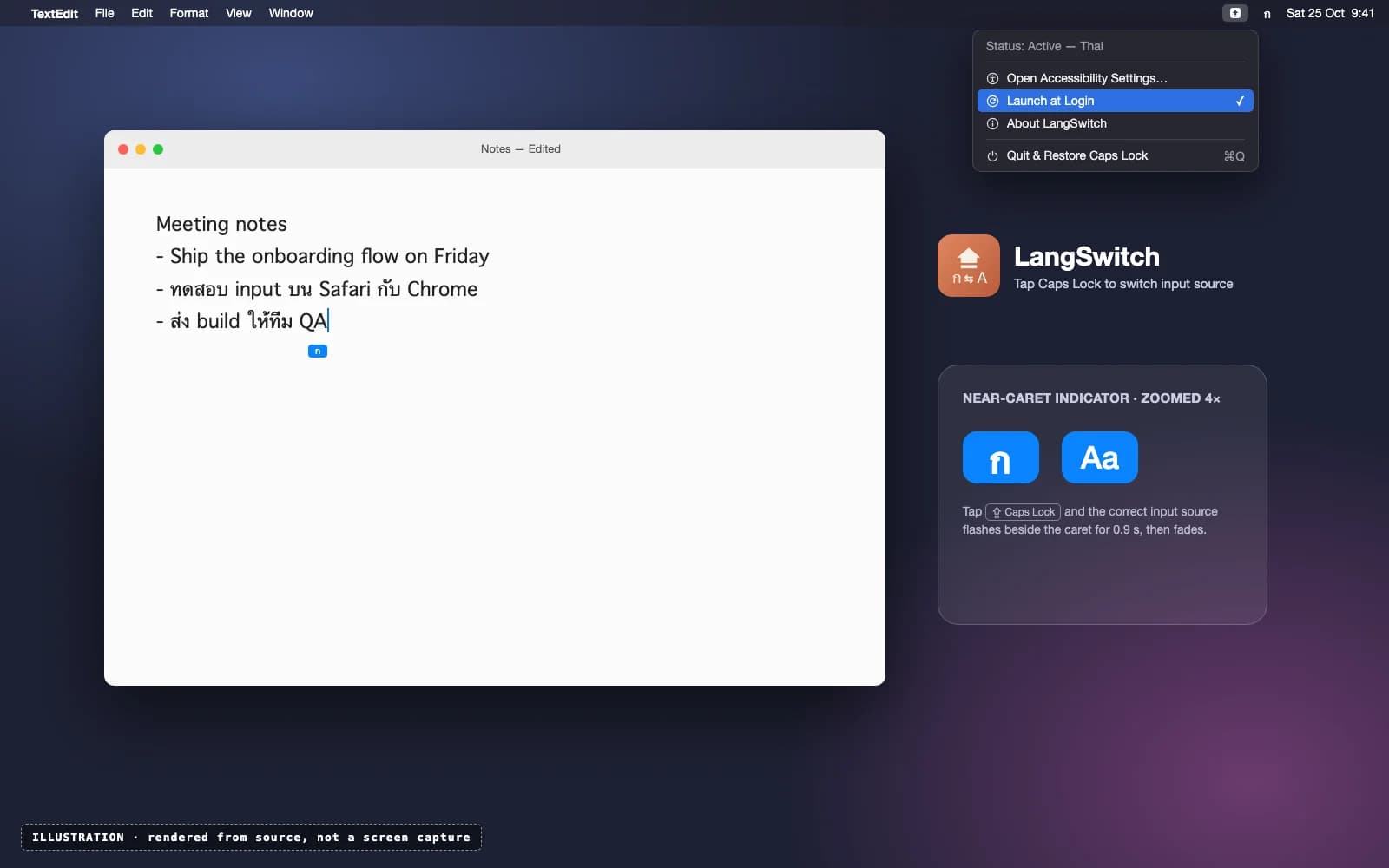
A macOS menu-bar app: tap Caps Lock to switch input sources instantly, with a language indicator that's actually right. Built on CapsLangSwitcher by Gamezxz.
Started · Updated
 Illustration
What is it?
LangSwitch turns a tap of Caps Lock into an instant input-source switch, without the usual Caps Lock delay. It's built on CapsLangSwitcher by Gamezxz (MIT): the switching and the event-tap approach are theirs. My part, from July 2026 on, is a small indicator at the cursor that shows the language you actually switched to, support for the per-device key mappings in macOS 27, and a stricter build with no auto-updater.
Why did I build it?
After a programmatic switch, macOS's own indicator shows the previous input source, which defeats the point of an indicator. So LangSwitch turns it off and shows its own, correct one.
Can I try it?
Yes, if you're happy to build it yourself. It's open source, and the README has a one-command build for macOS 12 or later. The build isn't notarized for distribution, so it really is a works-on-my-machine app.