Open project
OLIV
Thai + English voice typing for Mac. Hold a key, speak, and the English words come out in English.
Started · Updated
What is it?
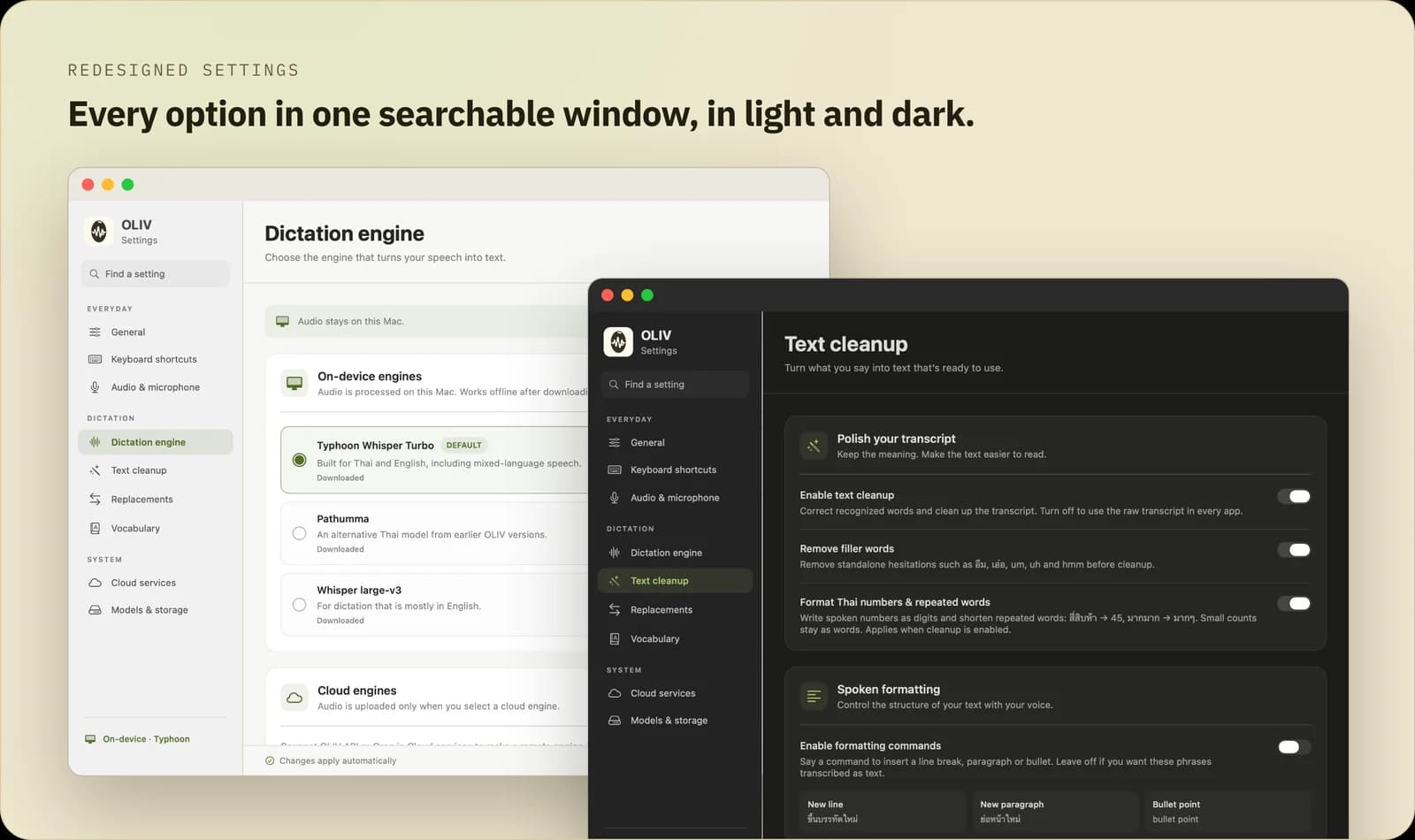
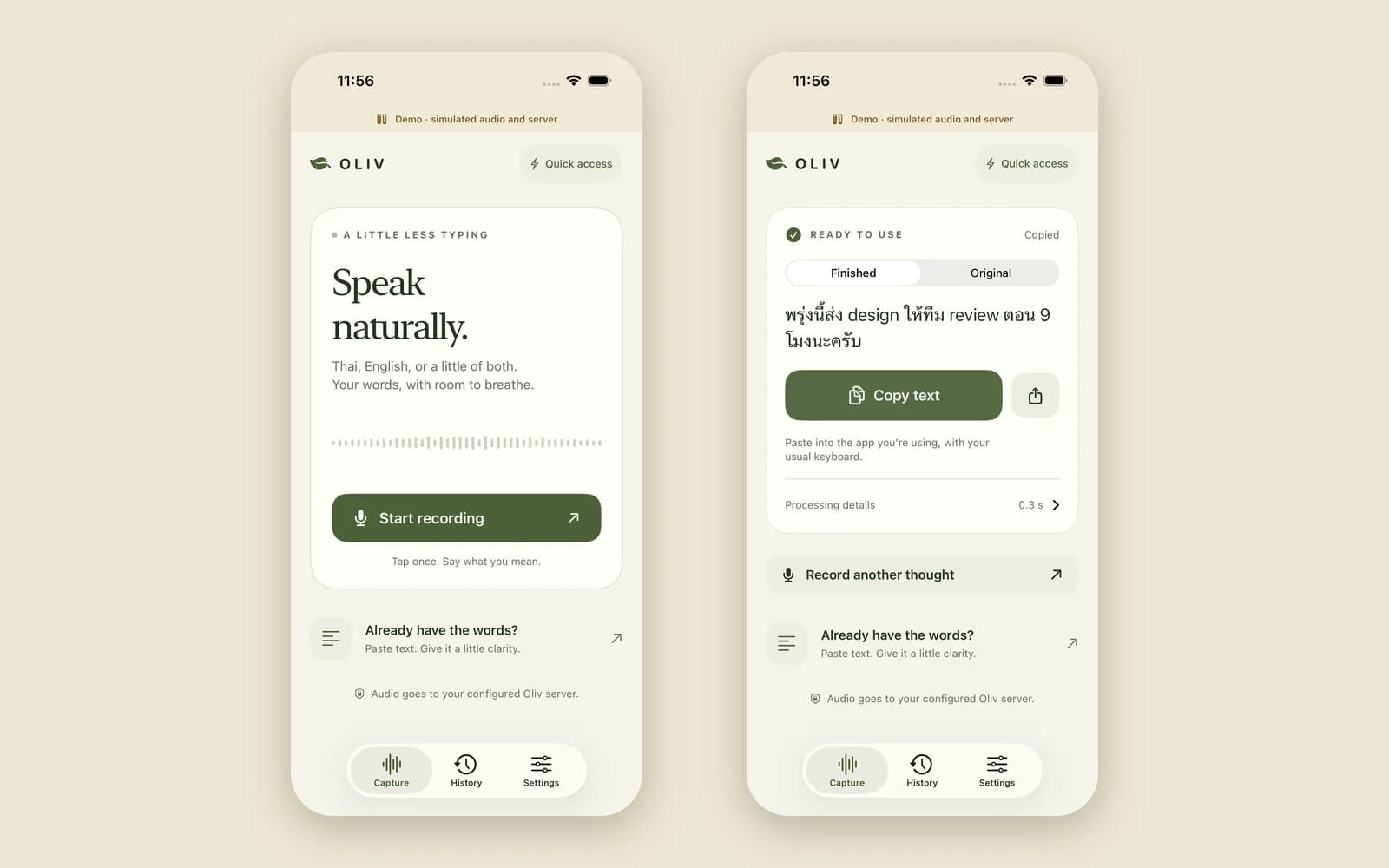
OLIV is push-to-talk dictation for Apple Silicon Macs. A Thai fine-tune of Whisper transcribes on the Mac, a cleanup step turns Thai-spelled tech words back into English, and the text is pasted wherever your cursor is. After a one-time model download it works offline. There are also iPhone and Linux clients that talk to an OLIV server.
Why did I build it?
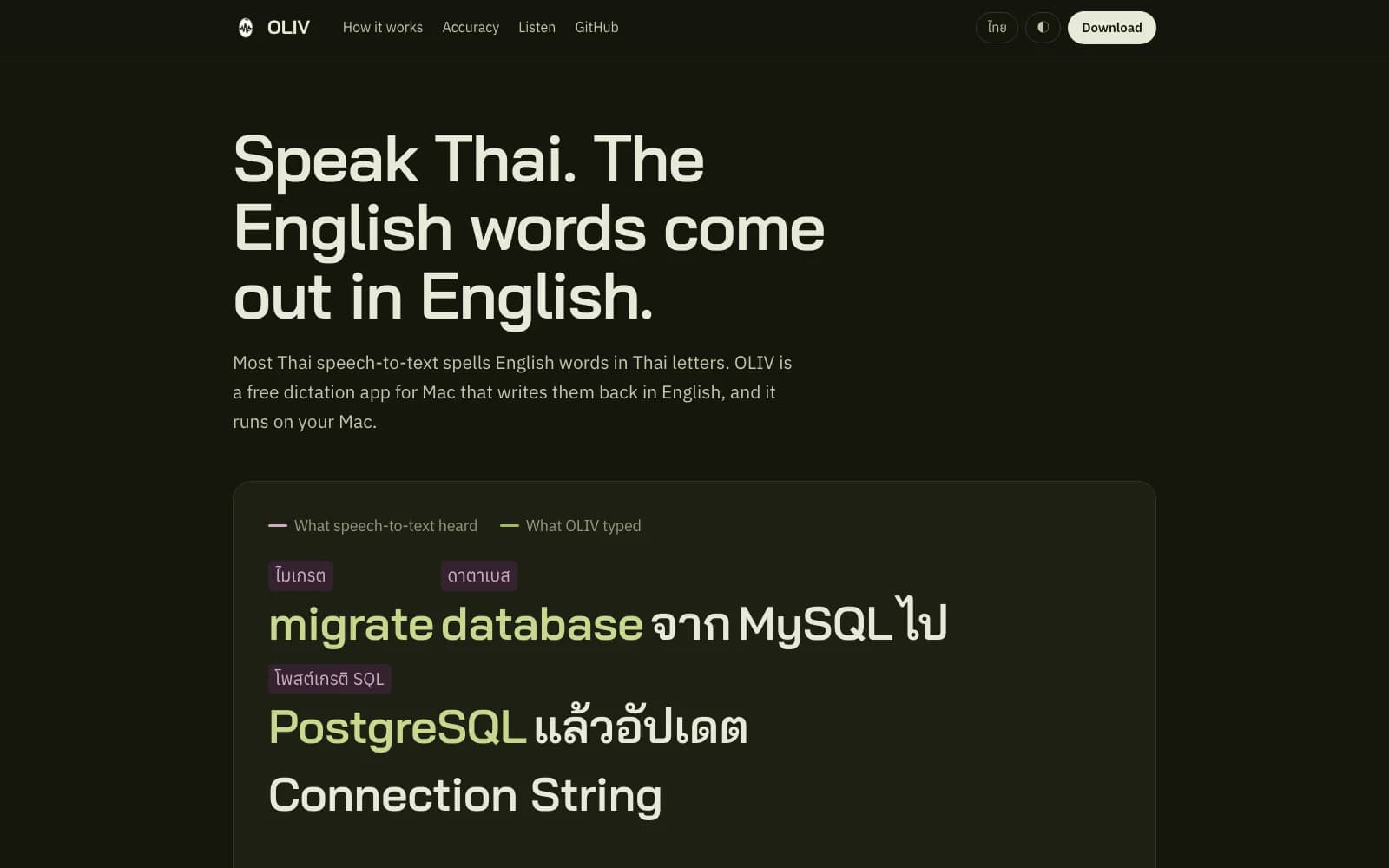
Thai speakers in tech mix languages all the time: “ตัว build fail เพราะ dependency version ไม่ตรง”. Most Thai speech-to-text spells those English words in Thai script, and you end up fixing every word by hand.
Can I try it?
Yes, on an Apple Silicon Mac with macOS 14 or later. Download the signed app from the website or GitHub. It's free and MIT-licensed. The iPhone and Linux clients aren't public.